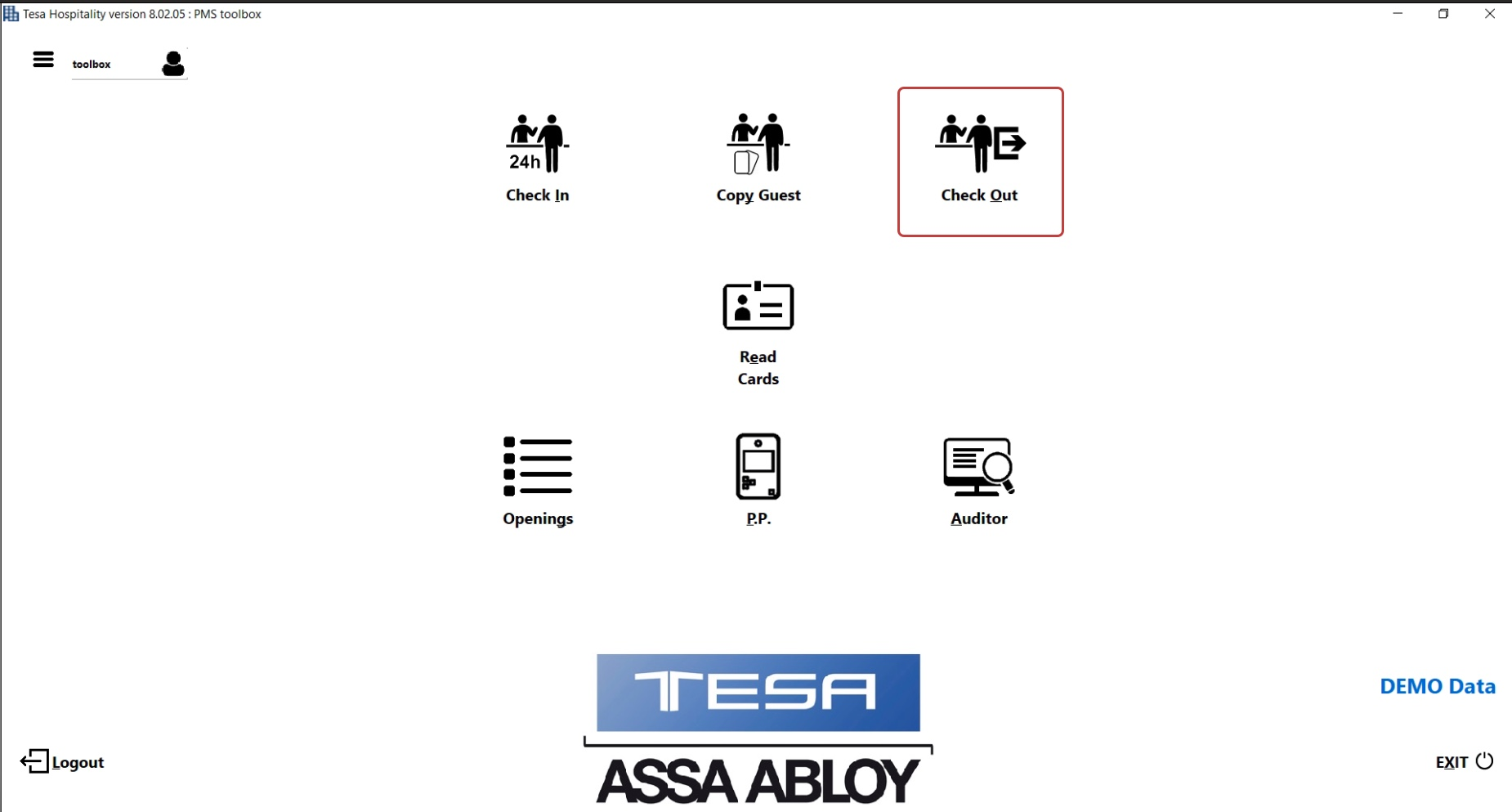
Choose Check Out option on the TESA Hotel application
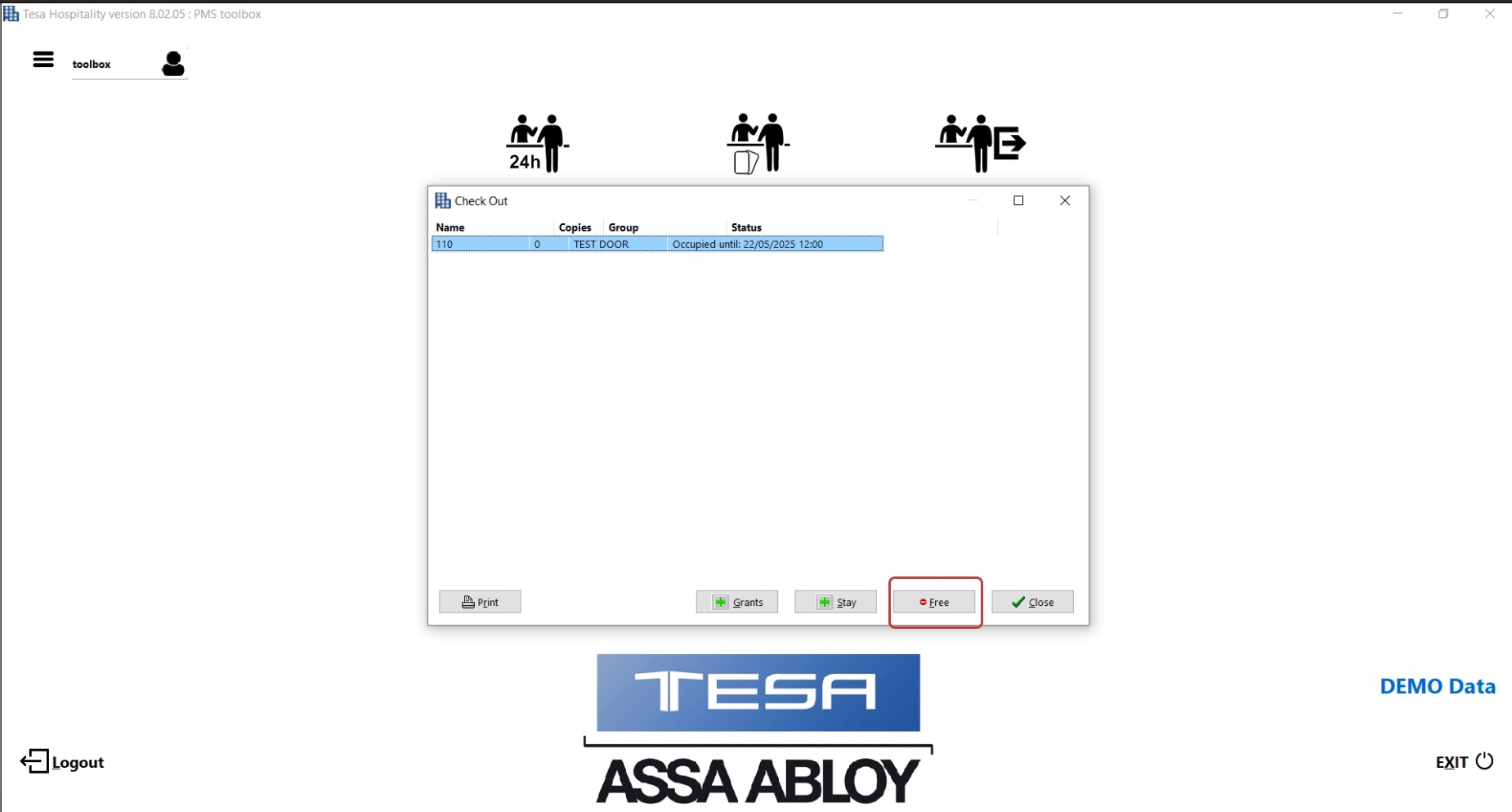
- Choose the room you want to checkout
- Press Free
All mobile keys for this room will be deleted
Was this article helpful?
That’s Great!
Thank you for your feedback
Sorry! We couldn't be helpful
Thank you for your feedback
Feedback sent
We appreciate your effort and will try to fix the article